To see a list of scheduled events, click the Events link near the top left corner of the home page.
Note
If there are events scheduled for the future, you will see a number to the left of Events. For example, if you see the number 2 to the left of Events, there are two events scheduled.
The “Events” page will come into view:
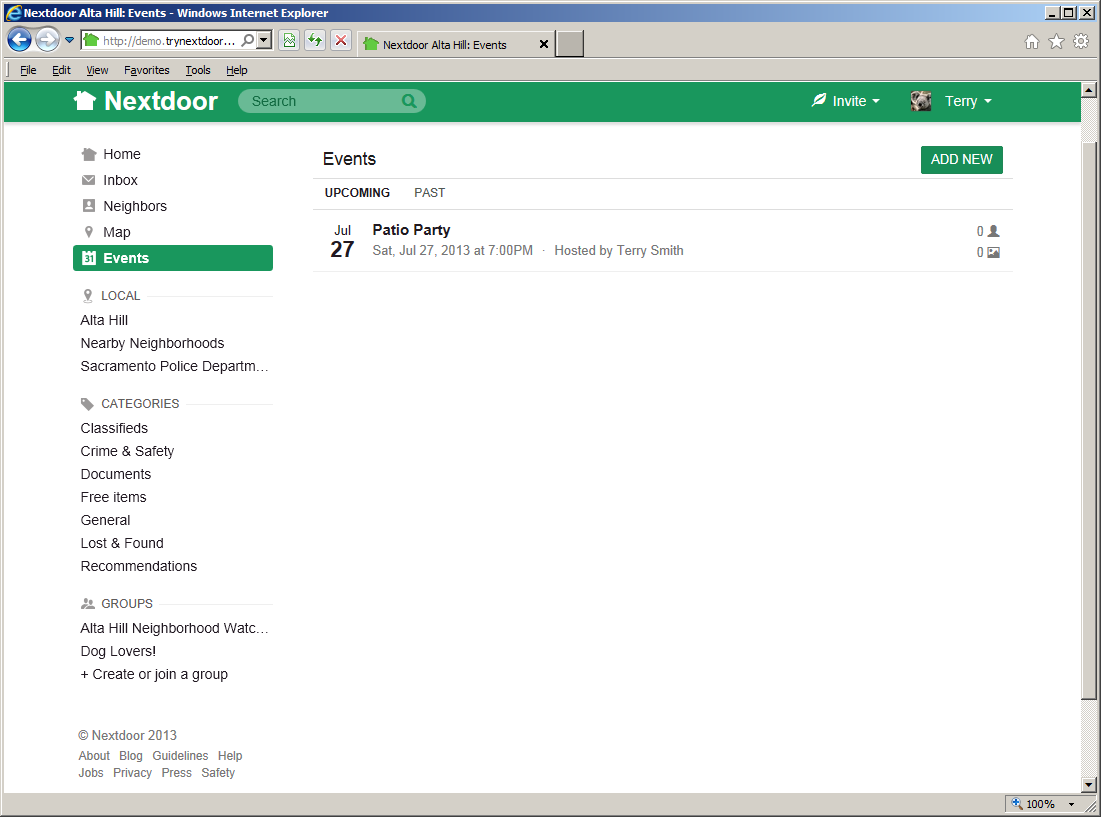
Initially, the “Events” page shows future events. To see events that occurred in the past, click the PAST link.