Nextdoor lets you meet other residents of your neighborhood online and share information with them. If you want, you can also share information with residents of other neighborhoods that are near your neighborhood. Nextdoor refers to these as “Nearby Neighborhoods.”
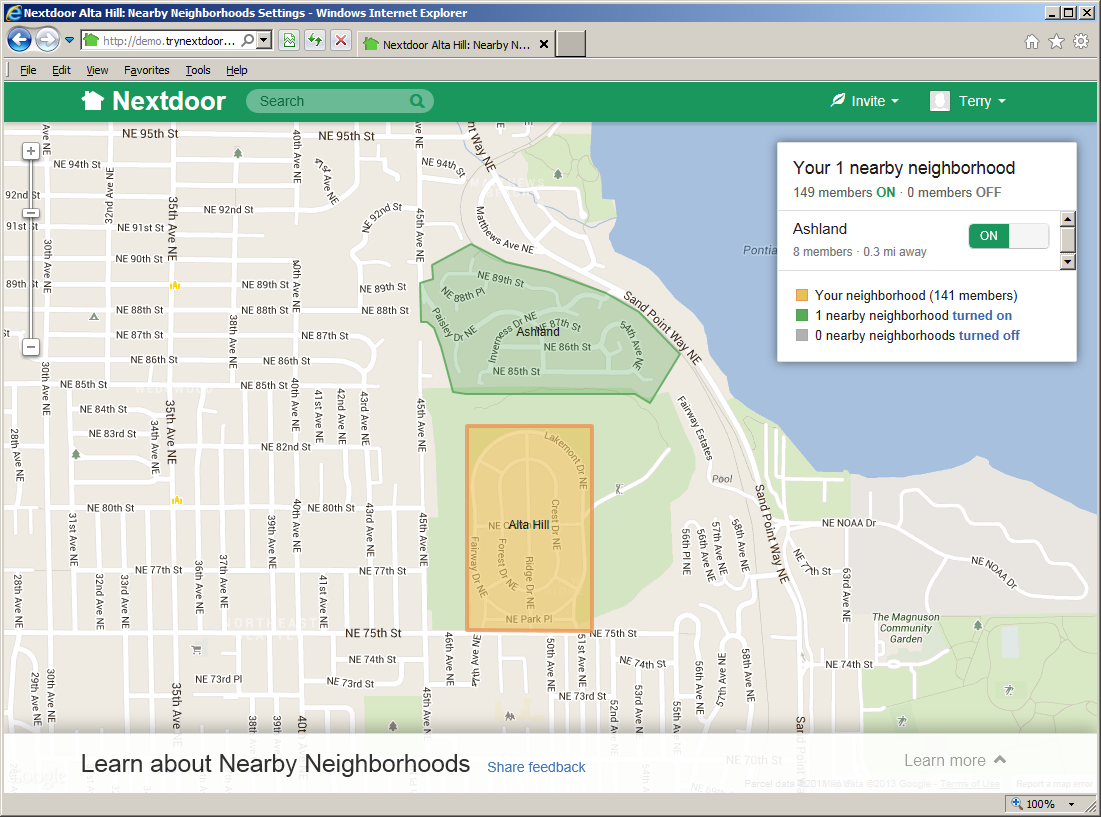
If you post a new public message on Nextdoor, you can share the message with residents of your neighborhood only. Or, you can share the message with your neighborhood and with some or all of the Nearby Neighborhoods. If you share messages with Nearby Neighborhoods or reply to shared messages, residents in those neighborhoods will see some information about you. You control how much of your information residents of Nearby Neighborhoods see.
Note
If you do not post public messages to Nearby Neighborhoods, residents in those neighborhoods will not see your information at all.
Residents in Nearby Neighborhoods can share information with your neighborhood.
Information that is good to share with Nearby Neighborhoods includes:
messages about crime and safety
messages about lost and found pets and items
messages about issues that are applicable to more than one neighborhood, such as street work
invitations to garage sales, open houses, and other public events
recommendations for companies and services
But if you do not want to see information from one or more Nearby Neighborhoods, you can “turn off” a Nearby Neighborhood.
For help with your Nearby Neighborhood settings, see Section 7.2.3, “Nearby Neighborhoods Settings”.