Notifications are short messages about the newest information posted on Nextdoor, or about private messages that neighbors sent to you.
To see a list of notifications:
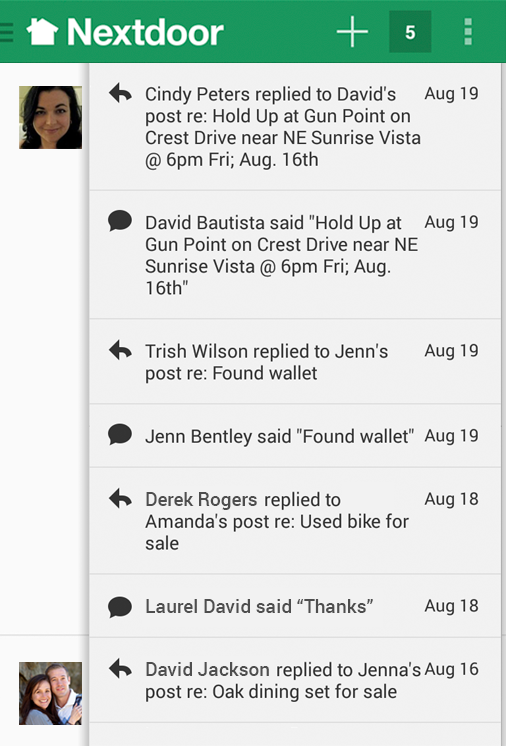
Tap the square near the top right right corner of the home screen:
Note
If you see a number in the square, it shows how many notifications you have not read.
A list of message descriptions will come into view at the top right corner of the screen:
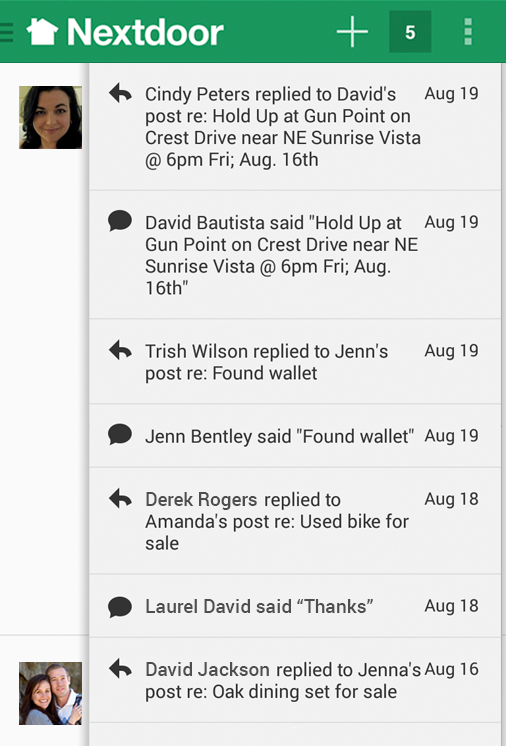
Tap on a message description to see the full message, or tap the square again to close the notifications list.
You can also see notifications from Nextdoor for Android in the Android notifications list. To see a list of notifications, swipe down from the top left corner of the screen. You can use your finger to drag up or down to scroll through the list.